Desktop Version 2024.02.0 Released

We are happy to announce the release of WhaleDown Desktop version 2024.02.0.
First, we introduced a download function for m3u8 subtitle files. Just turn on Auto Save Subtitles in the downloader's settings options to enable this feature.
When a subtitle file exists in m3u8, WhaleDown will try to download it.
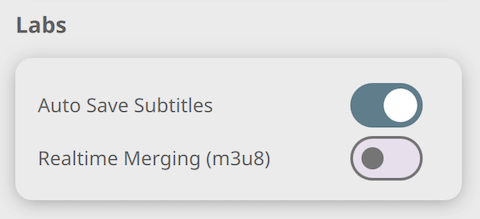
Additionally, we have introduced an experimental switch Realtime Merging (m3u8). If you're having trouble that the audio and video don't match during the download process, turn of it and try downloading again.
Options such as Auto Open and Auto Close were removed from the Detector settings view. It was replaced by a new Popup Window.
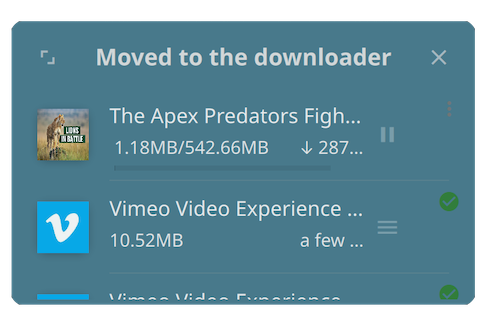
We've also introduced a range of improvements for the Windows platform. This release mainly addresses the problem of missing progress in DASH stream downloads. You may also have noticed improvements to the title bar in dark mode, as well as fixes to issues such as where the Google Chrome window appears.
This is a very important release. There are also a number of bug fixes not mentioned here. We recommend you try the latest version now.