About Google Chrome support

Introduction
With the release of 2023.2.0, WhaleDown introduced external browser (Google Chrome) support. This exciting feature is available on both Windows and macOS.
We noticed that the built-in browser can not pass AntiBots check of some websites recently. That is the best scenario of using external browsers.
Usage
Currently, there is no separate interface entry for launching an external browser. You need to click the Launch Google Chrome button on the blank page of the built-in browser.
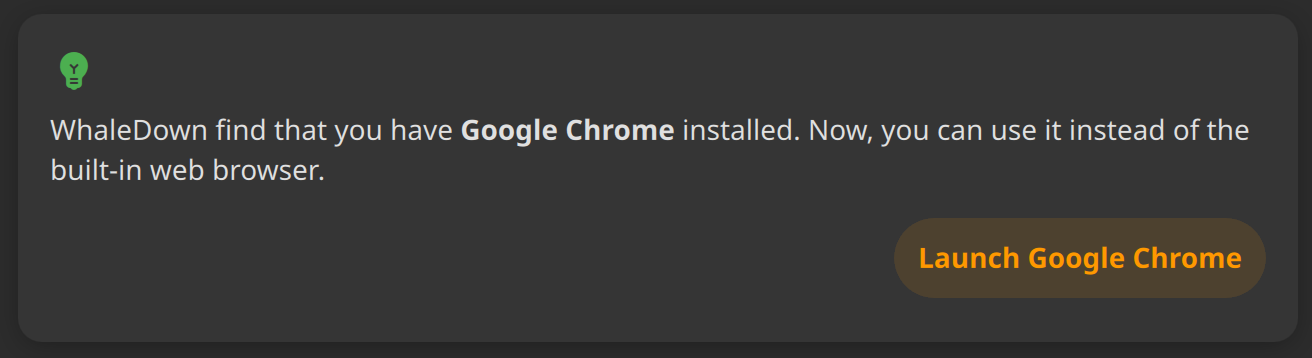
If WhaleDown find that Google Chrome isn't installed on your computer, WhaleDown will prompt you to install it.
When a new video item is detected, there will be a floating mini-detector widget at the top-right corner of screen. When you click on it, WhaleDown return to the main window and show the detector view.
Then, you can use it as you did before.
Future
This is an initial technical validation release. There are still a few missing features. This initial user interface design is a bit simple. It's clear that we'll refine it even more in the future.
The detector widget will be totally redesigned. We will provide a unified user experience for both the built-in browser and the external browser.
We are considering moving the built-in browser into a new window. The built-in web browser will be released as a standalone application eventually. This will reduce the installer/DMG size dramatically.
Acknowledgments
Thanks to those who suggested to support Google Chrome / Extensions.
Your data is stored locally in memory. It won't be saved locally, sent via network, or shared with third parties.